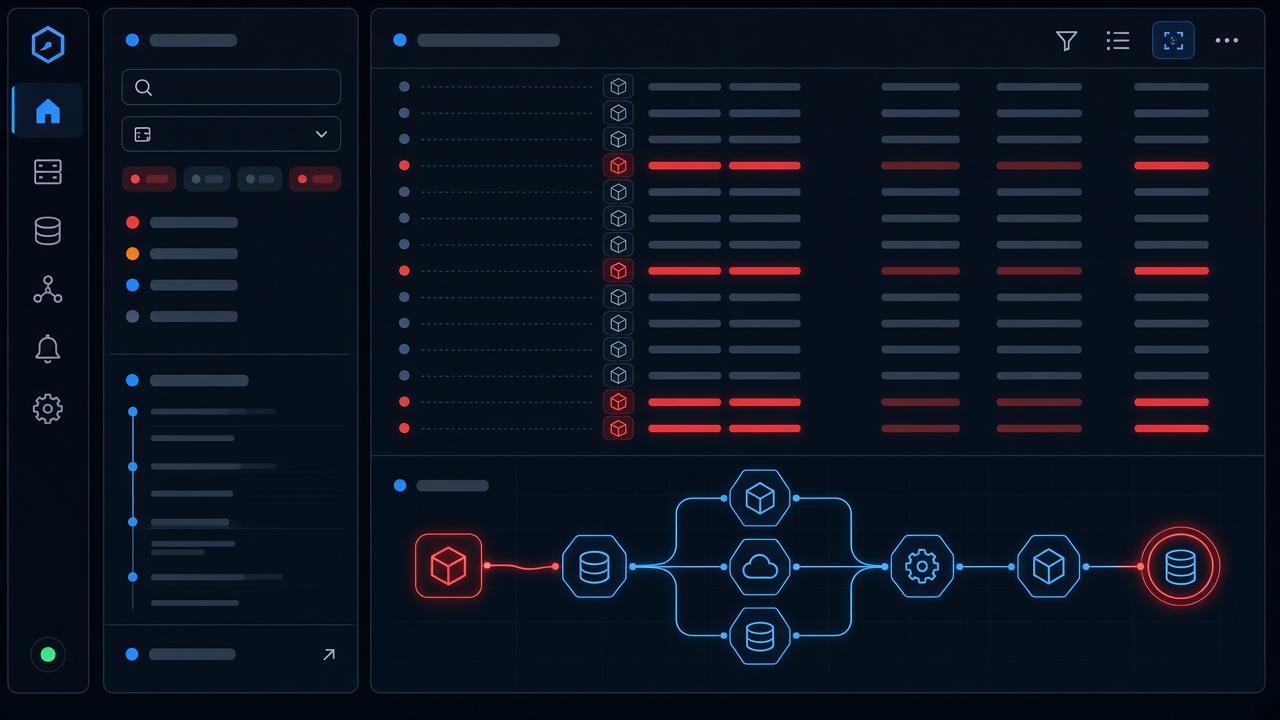
A production bug rarely announces its real cause. What you see first is a symptom: a 500 error, a stuck queue, an invoice total that is off by a few cents. The fix that makes the symptom disappear is not always the fix that stops it from coming back. This guide walks through a repeatable process for getting from "something is broken" to "this is exactly why, and here is the proof," using tools common in React/Next.js, Laravel, PostgreSQL and Redis stacks.
Stabilize First, Investigate Second
If users are actively affected, your first job is to limit damage, not to understand everything. Roll back the last deploy, disable a feature flag, pause a failing queue worker, or put a module into read-only mode. Mitigation buys you time to investigate calmly.
Before you mitigate, capture evidence that might disappear: copy the relevant log window, note the exact time the issue started, save a failing request ID, and record the current deploy version. A rollback can erase the conditions you need to reproduce the bug.
Define the Problem Precisely
"Orders are broken" is not a problem statement. Write down a specific one before touching code:
What is happening? (e.g. "Saving a sales order returns HTTP 500")
Who is affected? All users, one tenant, one role, one browser?
When did it start? Correlate with deploys, migrations, config changes and cron schedules.
Where does it fail? Frontend, API, queue worker, database?
What is not affected? The boundaries are often the strongest clue.
If the bug only affects orders with more than a certain number of lines, or only one warehouse, or only requests after midnight UTC, you have already narrowed the search dramatically.
Follow the Evidence Through the Stack
Start at the error, then go one layer deeper
The first stack trace you find is usually where the error surfaced, not where it originated. Read it fully, including the "previous" exception if your framework chains them. In Laravel, the log entry often contains the real cause further down:
[2026-10-12 09:14:03] production.ERROR: Undefined array key "unit_price"
  at app/Services/OrderTotals.php:42
  #0 app/Http/Controllers/SalesOrderController.php(88): OrderTotals->calculate()
  request_id=7f3a2c tenant_id=118 user_id=5521
The error says a key is missing. The useful question is not "how do I default it to zero?" but "why did this order line arrive without a price?" Defaulting it would hide a data problem and could produce wrong invoices.
Use correlation IDs
If every request carries an ID that is logged by the Next.js frontend, the API and any queued jobs it dispatches, you can reconstruct a single user action across services. If you do not have this yet, adding it is one of the highest-value observability changes you can make. A simple Laravel middleware can attach it to the log context:
public function handle($request, Closure $next)
{
    $id = $request->header('X-Request-Id') ?? (string) Str::uuid();
    Log::withContext(['request_id' => $id]);

    $response = $next($request);
    $response->headers->set('X-Request-Id', $id);
    return $response;
}
Check the data, not just the code
In ERP-style systems, many "bugs" are valid code meeting unexpected data. Query the actual records involved:
SELECT id, product_id, unit_price, created_at, created_by
FROM sales_order_lines
WHERE sales_order_id = 90211
ORDER BY id;
If some lines have a NULL price and were all created by an import job or an older API client, the root cause is upstream of the code that crashed.
Reproduce the Bug Deliberately
A bug you can reproduce is a bug you can prove fixed. Try to recreate it in staging or locally with the same inputs: the same payload, the same tenant settings, a sanitized copy of the relevant rows. If it does not reproduce, compare environments systematically:
Configuration and environment variables
Package versions (
composer.lock,package-lock.json)Database schema and migration state
Cache contents: stale Redis keys are a frequent source of "works on my machine"
Concurrency: race conditions often appear only under real traffic
For timing-related bugs, look for two operations touching the same record. A classic example is two workers both reading stock, decrementing it, and writing it back. Using SELECT ... FOR UPDATE inside a transaction, or an atomic UPDATE ... SET qty = qty - 1, removes the race.
Narrow It Down With Binary Search
When you know the last good state and the first bad state, halve the gap. git bisect automates this across commits:
git bisect start
git bisect bad HEAD
git bisect good v2.14.0
# test each checkout, then mark it:
git bisect good   # or: git bisect bad
The same idea works outside git: disable half the middleware, test half the input rows, or toggle half the feature flags. Each step cuts the search space in half.
Ask "Why" Until You Reach Something You Can Change
Once you find the faulty line, keep going. The "5 whys" technique is a useful habit:
Why did the request fail? A price was missing on an order line.
Why was the price missing? The CSV import accepted empty price cells.
Why did it accept them? Validation only checked that the column existed.
Why was that not caught? There was no test for blank values.
Now you have several fix points: validate the import, add a database constraint (NOT NULL or a CHECK), repair existing rows, and add a test. The root cause is the earliest point where a reasonable change prevents the whole chain.
Verify the Fix and Prevent Recurrence
Prove it
Write a failing test that reproduces the bug, then make it pass. Deploy, and confirm in production logs or metrics that the error rate actually drops. A fix without verification is a hypothesis.
Clean up the damage
Bad data does not fix itself. Identify affected records, correct them with a reviewed script, and check downstream effects such as generated invoices, cached reports or synced records.
Write a short postmortem
Keep it blameless and brief: timeline, impact, root cause, fix, and follow-up actions with owners. The goal is to improve the system, not to find someone to blame.
Common Traps to Avoid
Fixing the symptom: wrapping code in try/catch or defaulting nulls without understanding why they appear.
Changing several things at once: you will not know which change mattered.
Trusting assumptions over evidence: "that table can't have nulls" is a claim to verify, not a fact.
Stopping at the first plausible cause: confirm it explains every observed symptom, including the boundaries.
Conclusion
Finding root causes is less about brilliance and more about discipline: stabilize, define the problem, follow the evidence, reproduce, narrow down, keep asking why, and verify. Invest in request IDs, structured logs and database constraints, and the next production incident will be shorter and calmer.