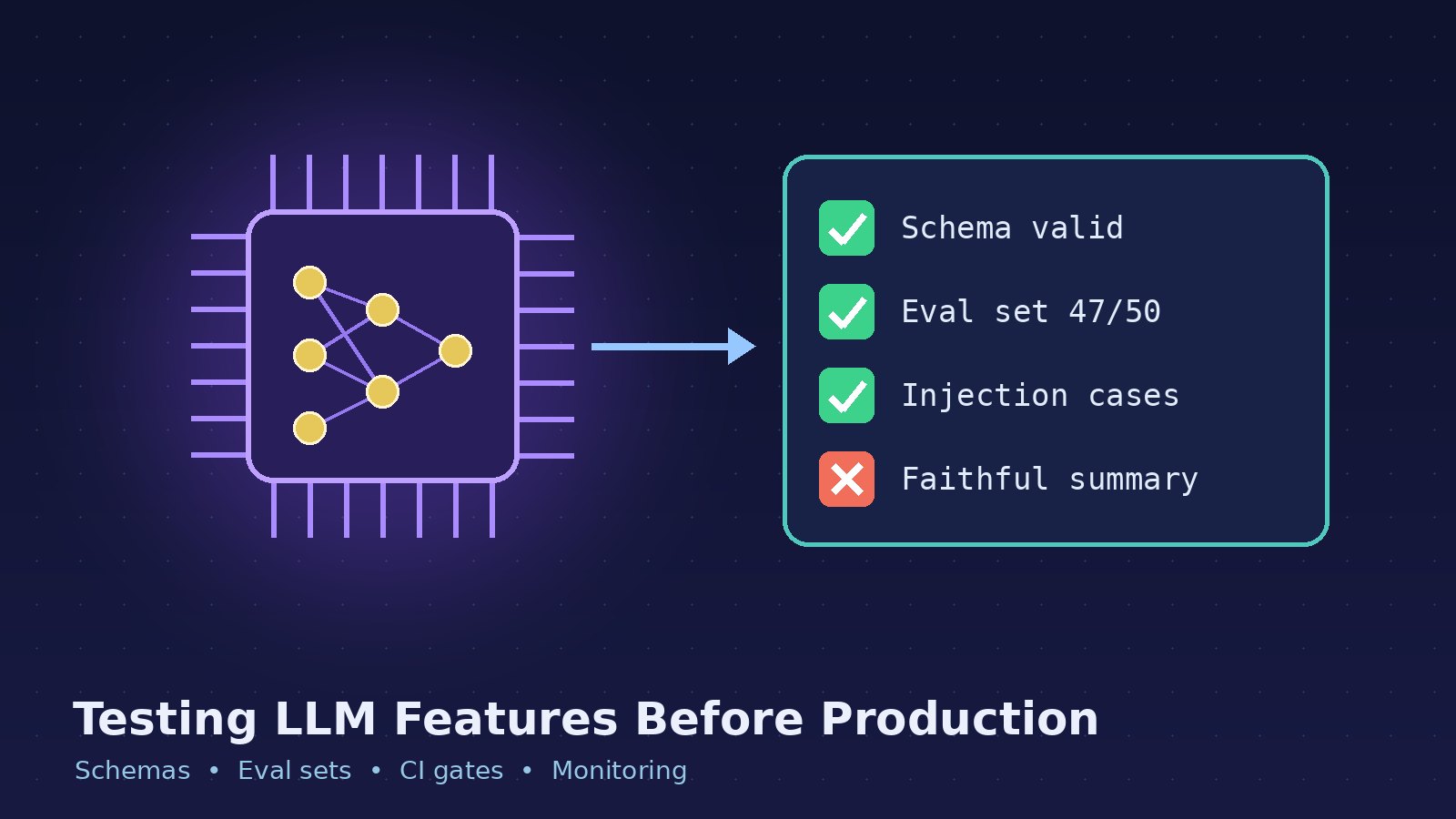
You add an AI feature to your app: a support reply drafter, an invoice field extractor, or a "summarise this property listing" button. It works beautifully in the demo. Two weeks after launch, a user pastes an unusual input and the model returns broken JSON, invents a field, or answers in the wrong language. Nothing in your test suite caught it, because your test suite was written for deterministic code.
LLM features need testing too, just a different kind. This guide walks through a practical approach that fits into a normal React/Next.js or Laravel workflow, without a research team or an expensive evaluation platform.
Why Normal Unit Tests Aren't Enough
A traditional unit test says: given input X, expect output Y. LLM output doesn't work that way. The same prompt can produce different wording on every call, a model update from your provider can change behaviour overnight, and a small prompt edit that fixes one case can quietly break three others.
That doesn't mean LLM features are untestable. It means you test properties of the output instead of exact strings, and you test against a fixed set of realistic examples instead of one happy path. Think of it as three layers:
Deterministic checks: is the output valid JSON, does it match the schema, are required fields present?
Evaluation sets: a curated list of real inputs with expected outcomes, run on every prompt or model change.
Production monitoring: logging, sampling and feedback once real users are involved.
Layer 1: Make the Output Checkable
The single biggest improvement is to stop asking for free-form text when your code actually needs data. If the feature extracts fields, ask for structured output and validate it like any other untrusted input. Most major LLM APIs now offer a JSON or structured-output mode; use it, but still validate, because the contract only matters if you enforce it.
In a TypeScript backend, a schema library such as Zod makes this explicit:
import { z } from "zod";

const ListingSummary = z.object({
  bedrooms: z.number().int().min(0).max(20).nullable(),
  propertyType: z.enum(["apartment", "house", "plot", "commercial", "other"]),
  summary: z.string().min(20).max(400),
  language: z.literal("en"),
});

export function parseSummary(raw: string) {
  const json = JSON.parse(raw);          // throws on broken JSON
  return ListingSummary.parse(json);     // throws on schema violations
}
In Laravel, the same idea works with the validator you already use for requests:
$data = json_decode($raw, true, flags: JSON_THROW_ON_ERROR);

$validated = Validator::make($data, [
    'bedrooms'      => ['nullable', 'integer', 'between:0,20'],
    'property_type' => ['required', 'in:apartment,house,plot,commercial,other'],
    'summary'       => ['required', 'string', 'between:20,400'],
])->validate();
Now a whole class of failures, such as missing fields, invented enum values and truncated responses, becomes an exception you can count, retry and alert on, instead of a bad record silently saved to your database.
Decide what happens on failure
Validation is only half the job. Decide up front what the feature does when the model's answer is rejected: retry once with the validation error included in the prompt, fall back to a simpler non-AI path, or show the user a clear "couldn't generate this" message. What you should never do is pass unvalidated output into business logic.
Layer 2: Build a Small Evaluation Set
An evaluation set ("eval set") is a list of inputs paired with what a good answer must satisfy. It is the closest thing to a regression suite for prompts. You don't need thousands of examples to start; a few dozen carefully chosen cases catch most regressions.
Where good test cases come from
Real inputs: anonymised samples of what users actually send, including messy formatting and mixed languages.
Known failures: every bug report about the AI feature becomes a new case, just like a bug fix gets a regression test.
Edge cases: empty input, very long input, input in another language, input that tries to override your instructions.
Boundary cases: inputs where the correct answer is "I don't know" or
null, which models often get wrong by guessing.
Write assertions on properties, not exact text
Store cases in a simple file and assert on things you can check reliably:
[
  {
    "id": "listing-urdu-mix",
    "input": "3 bed ghar, DHA phase 6, corner plot, gas available",
    "expect": { "bedrooms": 3, "propertyType": "house" }
  },
  {
    "id": "no-bedroom-info",
    "input": "Commercial shop on main boulevard, 400 sq ft",
    "expect": { "bedrooms": null, "propertyType": "commercial" }
  }
]
A small runner loops over the cases, calls your real prompt-building code, parses the result with the same validator used in production, and compares the expected fields. Report a pass rate per case and overall. Because outputs vary, run each case a few times; a case that passes two out of three runs is telling you the prompt is fragile there.
When you need judgement, not just fields
Some qualities, such as whether a summary is faithful to the source or whether a reply is polite, can't be checked with a field comparison. Two common options are a rubric reviewed by a human on a sample, or a second model call acting as a grader with a narrow, specific question ("Does the summary mention any feature that is not in the listing? Answer yes or no."). Model graders are useful but imperfect, so spot-check their verdicts by hand before you trust them as a release gate.
Layer 3: Run Evals Where Changes Happen
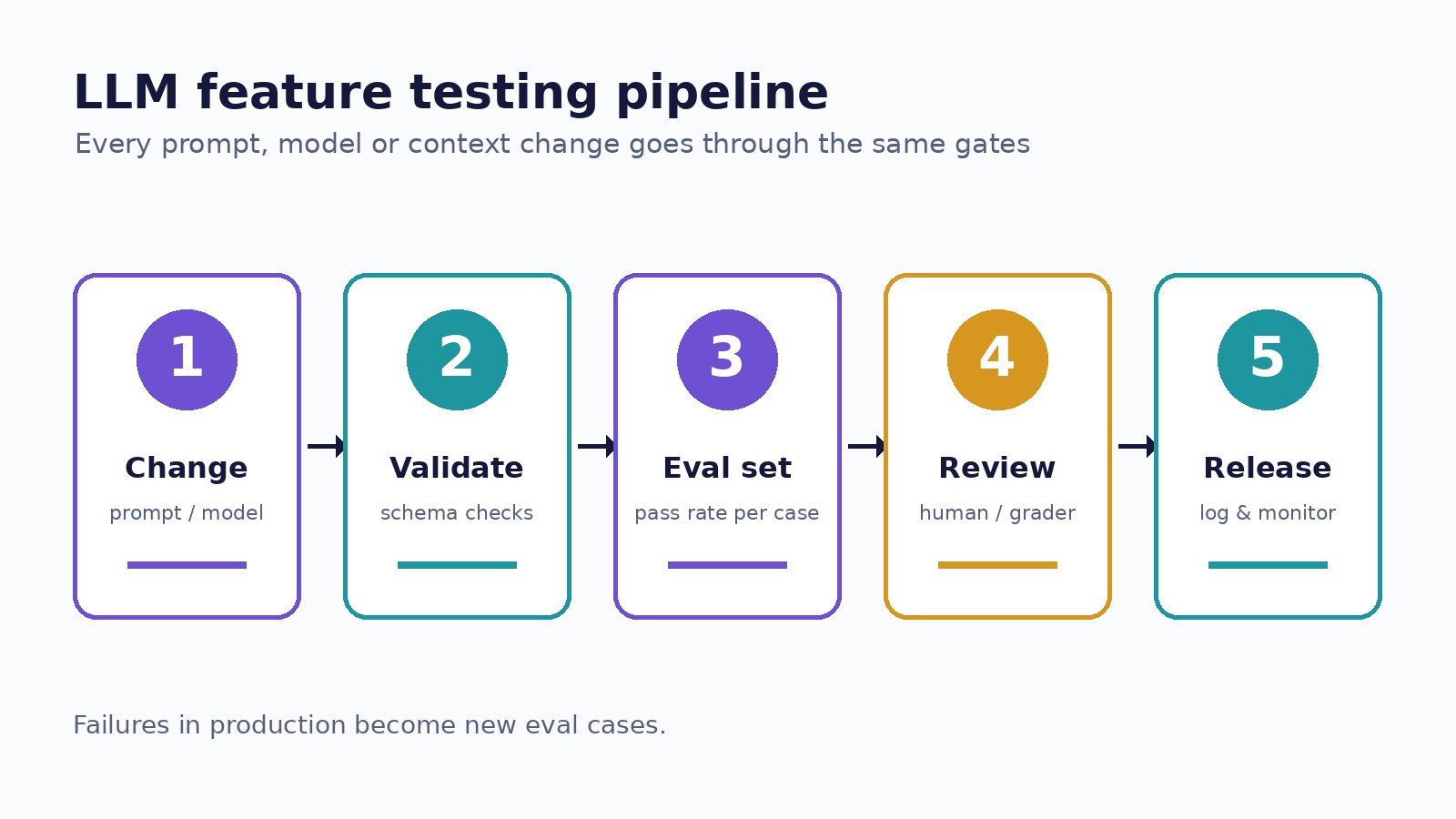
An eval set only helps if it runs at the right moments. Treat these as changes that require a run:
Any edit to a prompt template or system message.
Switching models or model versions, including provider-side upgrades you opt into.
Changes to the code that builds context, such as retrieval queries, truncation rules or which fields get sent.
Keep prompts in version control next to the code, not pasted into a dashboard, so a prompt change shows up in a pull request like any other change. Because eval runs cost money and time, many teams run a small, fast subset on every pull request and the full set nightly or before a release. Pin the model version in configuration so "the model changed" is always a deliberate commit rather than a surprise.
Guard Against Prompt Injection
If your feature processes text from users, emails, documents or web pages, assume some of it will contain instructions like "ignore previous instructions and...". Include such inputs in your eval set and check that the output still follows your schema and rules. More importantly, limit what the model can do: don't let its output directly trigger destructive actions, keep permissions checks in your own code, and treat model output as untrusted data, exactly like form input.
Monitor in Production
Testing before release reduces surprises; it doesn't remove them. Once the feature is live:
Log inputs, outputs, model version and prompt version (with personal data redacted where required), so you can reproduce any complaint.
Track validation failure rate and retries as metrics. A sudden rise usually means a model or input change.
Capture user feedback, even a simple thumbs up or down, and feed the bad examples back into your eval set.
Watch latency and token usage per request, because quality fixes like longer prompts or retries have a cost.
A Practical Checklist
Ask for structured output and validate it with a real schema.
Define a fallback for every validation failure.
Start an eval set with 20 to 50 real, anonymised cases, including edge and injection cases.
Assert on fields and properties, and run each case more than once.
Version prompts in Git and pin model versions in config.
Run evals on prompt, model and context changes.
Log, measure and turn production failures into new test cases.
Conclusion
LLM features feel unpredictable mainly when they're shipped without a contract and without a way to notice regressions. Add a schema, a small eval set and basic production logging, and an AI feature becomes something your team can change with the same confidence as the rest of the codebase. Start with the feature your users rely on most, write ten test cases this week, and grow the set every time something goes wrong.