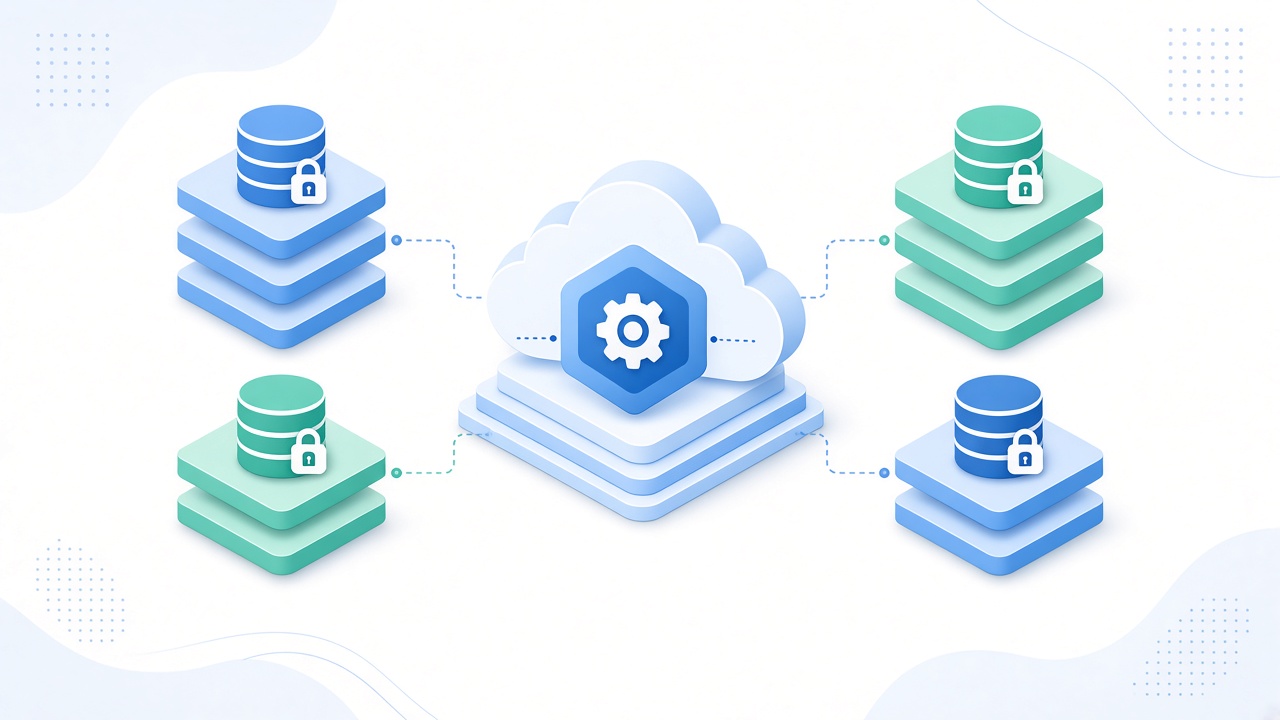
In a multi-tenant SaaS app, one codebase serves many customers. The worst bug you can ship is one customer seeing another customer's data. This guide covers the practical patterns that keep tenants isolated in Laravel.
1. Choose an Isolation Model
Single database with a tenant_id column is the simplest and scales well for most products. Separate schemas or databases per tenant give stronger isolation and easier per-customer backups, but add migration and connection complexity. Start with tenant_id unless compliance demands more.
2. Resolve the Tenant Early
Identify the tenant once per request, from the subdomain, a custom domain, or the authenticated user, in middleware. Store it in a single place (for example a bound TenantContext service) so the rest of the app never guesses.
3. Scope Queries by Default
Add a global scope through a BelongsToTenant trait that filters every query by the current tenant_id and sets tenant_id automatically when creating records. Developers should have to opt out of scoping on purpose, never remember to opt in.
4. Guard Against IDOR
Route model binding must respect the tenant scope. Never load a record by ID alone. Add policies that confirm the record's tenant matches the current tenant, and write tests that try to read another tenant's IDs.
5. Queues and Scheduled Jobs
Background jobs run outside the HTTP request, so the tenant context is lost. Pass the tenant ID into every job and restore the context in the job's handle method or a job middleware before touching data.
6. Caches, Files and Search
Prefix cache keys with the tenant ID, store uploaded files under tenant-specific paths, and filter search indexes by tenant. A shared cache key like "dashboard_stats" is a classic leak.
7. Test Isolation Continuously
Create two tenants in your test suite and assert that tenant A can never list, view, update or delete tenant B's data across APIs, jobs and exports.
Common Problems and Fixes
Problem: Admin reports leak across tenants. Fix: make cross-tenant queries explicit with a clearly named withoutTenantScope call, restricted to super admins.
Problem: Raw SQL bypasses scopes. Fix: always add the tenant condition manually and review raw queries in code review.
Conclusion
Tenant isolation is not one feature but a habit: resolve the tenant once, scope by default, carry context into jobs, and test for leaks. Get this right early and your SaaS can grow with confidence.