
It is Friday afternoon. A customer reports that invoice totals in the ERP are off by a few cents. You trace it to a rounding issue, patch it, ship it, and close the ticket. Three weeks later the same ticket comes back, from a different customer, on a different screen. Same bug. Or is it?
Most developers know this feeling. A bug that returns is rarely bad luck. It usually means the fix addressed what we saw, not what caused it, or that nothing stopped the old behavior from creeping back in. Let's walk through the most common reasons bugs come back, and what you can do about each one.
The Real Reasons Bugs Return
1. You Fixed the Symptom, Not the Cause
The fastest fix is often a guard clause at the exact spot where the error appeared. A null check here, a try/catch there, a ?? 0 to silence a NaN. The error message disappears, but the bad data that produced it is still being created upstream. Eventually it reaches a different code path that has no guard, and the "same" bug resurfaces somewhere new.
Before closing a ticket, ask: why was this value wrong in the first place? Keep asking "why" until you reach the point where incorrect data or state is created. That is where the fix belongs. A guard downstream can stay as defense, but it should not be the whole fix.
2. There Is No Regression Test
If a bug was worth fixing, it is worth a test that proves it stays fixed. Without one, the next refactor, dependency upgrade, or well-meaning teammate can quietly undo your work. The test also documents the edge case for whoever touches that code next.
The habit is simple: write a failing test that reproduces the bug before writing the fix. In Laravel with Pest, that might look like this:
it('rounds invoice totals per line, not on the grand total', function () {
    $invoice = Invoice::factory()
        ->hasLines(3, ['unit_price' => '0.335', 'quantity' => 1])
        ->create();

    // Regression for ticket #1482: totals drifted by a cent
    expect($invoice->fresh()->total)->toBe('1.02');
});
If this test fails before the fix and passes after, you have locked the behavior in. Name the ticket in a comment so the reason for the test is never lost.
3. The Logic Lives in More Than One Place
This is the classic cause of "we fixed it, but only in one place." Tax calculation lives in a Laravel service, and also in a React component that shows a live preview, and also in a PostgreSQL view used for reports. You fix the service. The preview and the report are still wrong.
ERP-style systems are especially prone to this because the same business rule (discounts, stock levels, payment status) shows up in forms, APIs, background jobs, and reports. When you fix a bug, search the codebase for the same rule expressed elsewhere. Then consolidate it: one source of truth, called from everywhere. If the frontend needs the value, let the API return it rather than recalculating it in JavaScript.
4. Caches and Stale Data
Sometimes the code is fixed but the bug is still visible, because the wrong answer was cached. A Redis key computed with the old logic, a Next.js page statically generated before the deploy, or a CDN response with a long TTL can all keep serving yesterday's bug. Worse, the stale value may be written back to the database by a job that reads it, re-introducing bad data after you cleaned it up.
Two practical defenses help. First, version your cache keys so a logic change automatically bypasses old entries:
// Bump the version when the calculation logic changes
$key = "invoice:v2:{$invoice->id}:totals";

$totals = Cache::remember($key, now()->addHour(), fn () =>
    $calculator->totalsFor($invoice)
);
Second, make invalidation part of the fix. If you corrected data in the database, clear or revalidate the caches that depend on it. In Next.js, that means calling revalidatePath or revalidateTag for affected pages, not just waiting for a timer.
5. Race Conditions
Race conditions are the bugs that "can't be reproduced" and then come back under load. Two requests read the same stock quantity, both subtract one, and both write back. You end up with one sale recorded and one item lost. A developer adds a small delay or a retry, the problem appears to go away in testing, and it returns on the next busy day.
The real fix is to make the operation atomic. In PostgreSQL, let the database do the arithmetic and enforce the rule in a single statement:
UPDATE products
SET stock = stock - 1
WHERE id = $1 AND stock > 0
RETURNING stock;
If no row is returned, the item was out of stock. For multi-step operations, use a transaction with SELECT ... FOR UPDATE, or a Redis lock with an expiry for work that spans services. On the React side, disabling a submit button prevents double clicks, but treat that as UX polish, not protection. The server must be safe on its own.
6. Config Drift Between Environments
"It works on staging" is a sentence that hides many returning bugs. Local, staging, and production often differ in small ways: a PHP extension version, a PostgreSQL setting, the server timezone, a feature flag, an environment variable that was added by hand on one server and forgotten on another. A fix verified in one environment may depend on a setting the others do not have.
Reduce drift by keeping configuration in code: Docker images or infrastructure scripts, a committed .env.example that lists every required variable, and startup checks that fail loudly when a required value is missing. Pin dependency versions with lock files and run the same versions in CI that you run in production.
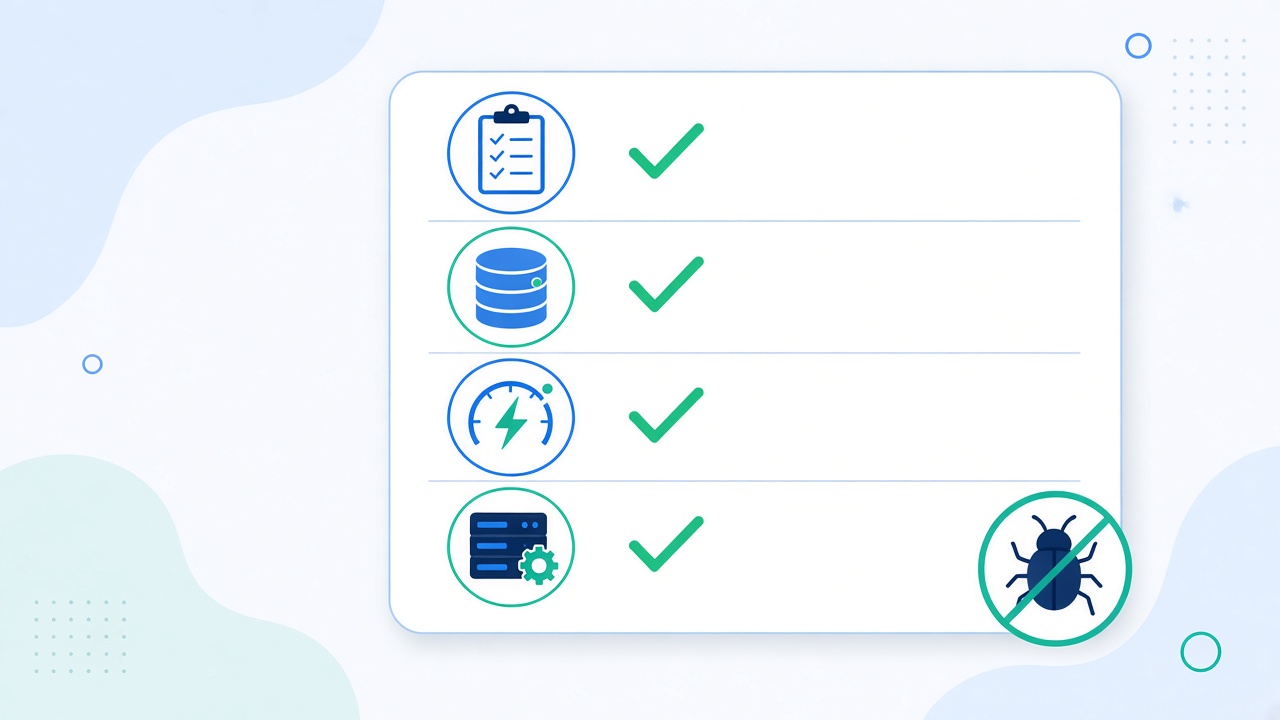
A Practical Prevention Checklist
Use this before you close any bug ticket:
Find the root cause. Can you explain where the bad data or state was created, not just where it crashed?
Write the failing test first. Reproduce the bug in a test, then fix it, and reference the ticket in the test.
Search for duplicates. Look for the same rule in other services, components, SQL views, and jobs. Consolidate where possible.
Clean up the data. If bad records were written, fix them with a reviewed script or migration.
Handle the caches. Bump cache key versions or invalidate affected Redis keys and Next.js pages.
Check concurrency. Ask what happens if this code runs twice at the same moment. Use atomic queries, transactions, or locks where needed.
Compare environments. Confirm the fix does not rely on a setting that differs between local, staging, and production.
Add visibility. Log or alert on the condition, so if it ever happens again you hear about it before a customer does.
Write it down. A short note in the ticket or PR about the cause helps the next person avoid the same trap.
Fix It Once
A bug that comes back is a signal, not a curse. It tells you that the fix was incomplete, unprotected, or applied in only one of several places. Treat every fix as two jobs: correct the behavior, and make it hard for the old behavior to return. The extra twenty minutes for a test, a search, and a cache check is far cheaper than debugging the same issue again next month, with a less patient customer waiting.