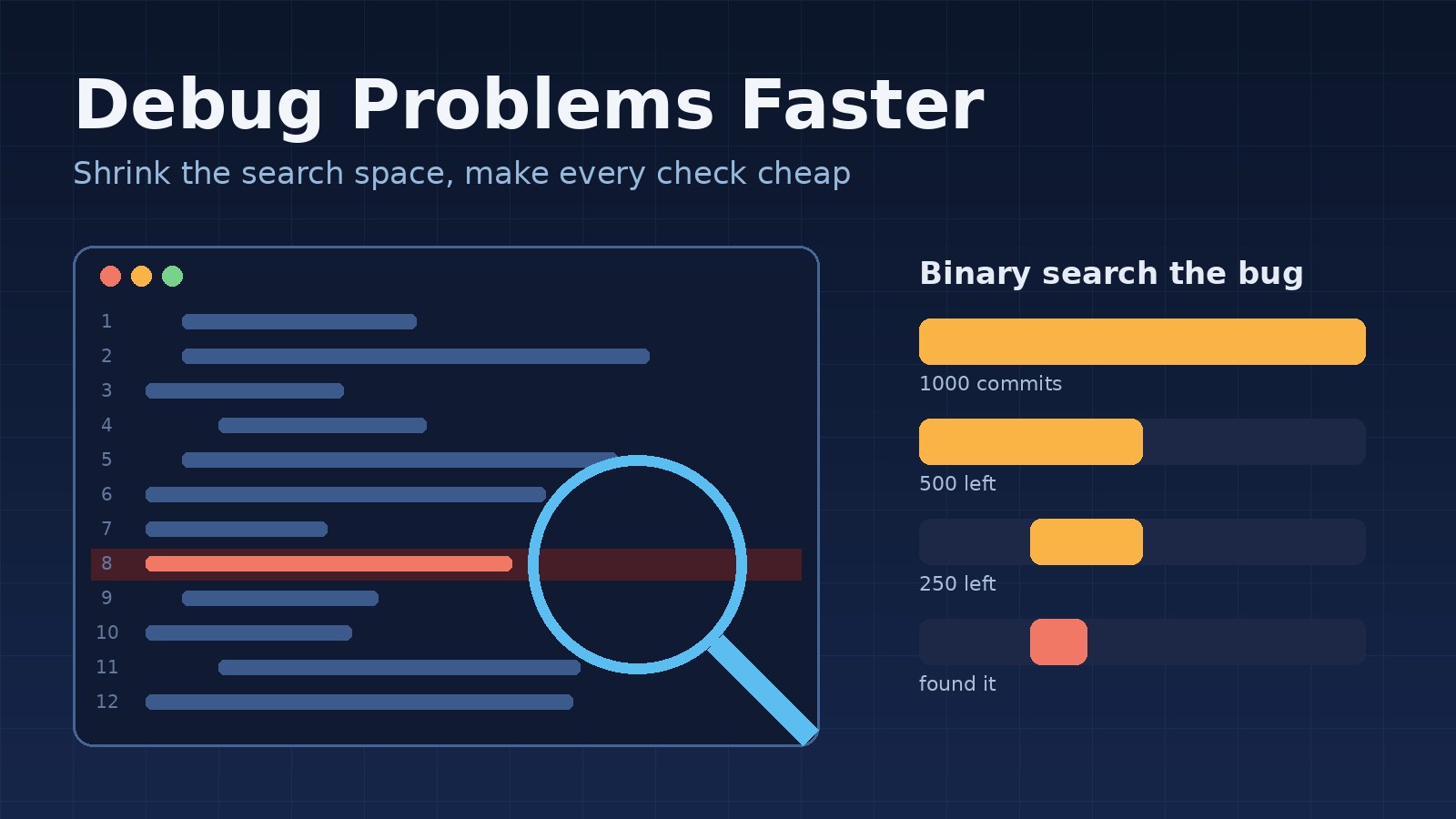
Watch an experienced developer fix a bug and it can look like intuition. They glance at a log, open two files, change one line and the problem is gone, while someone newer spends the afternoon adding console.log everywhere. The difference is rarely raw talent. It is a set of habits that cut down how much of the system they have to search.
This post breaks those habits down so you can use them on purpose. The examples use Laravel, React and PostgreSQL, but the approach works in any stack.
Debugging Is a Search Problem
Every bug lives somewhere in a large space: the code, the data, the configuration, the environment and the timing. Slow debugging is usually a slow search, either because you keep looking in random places or because each look takes too long. Experienced developers speed up both sides. They shrink the space to search, and they make every check fast and cheap.
Everything below comes back to those two goals.
1. Get a Fast, Reliable Reproduction First
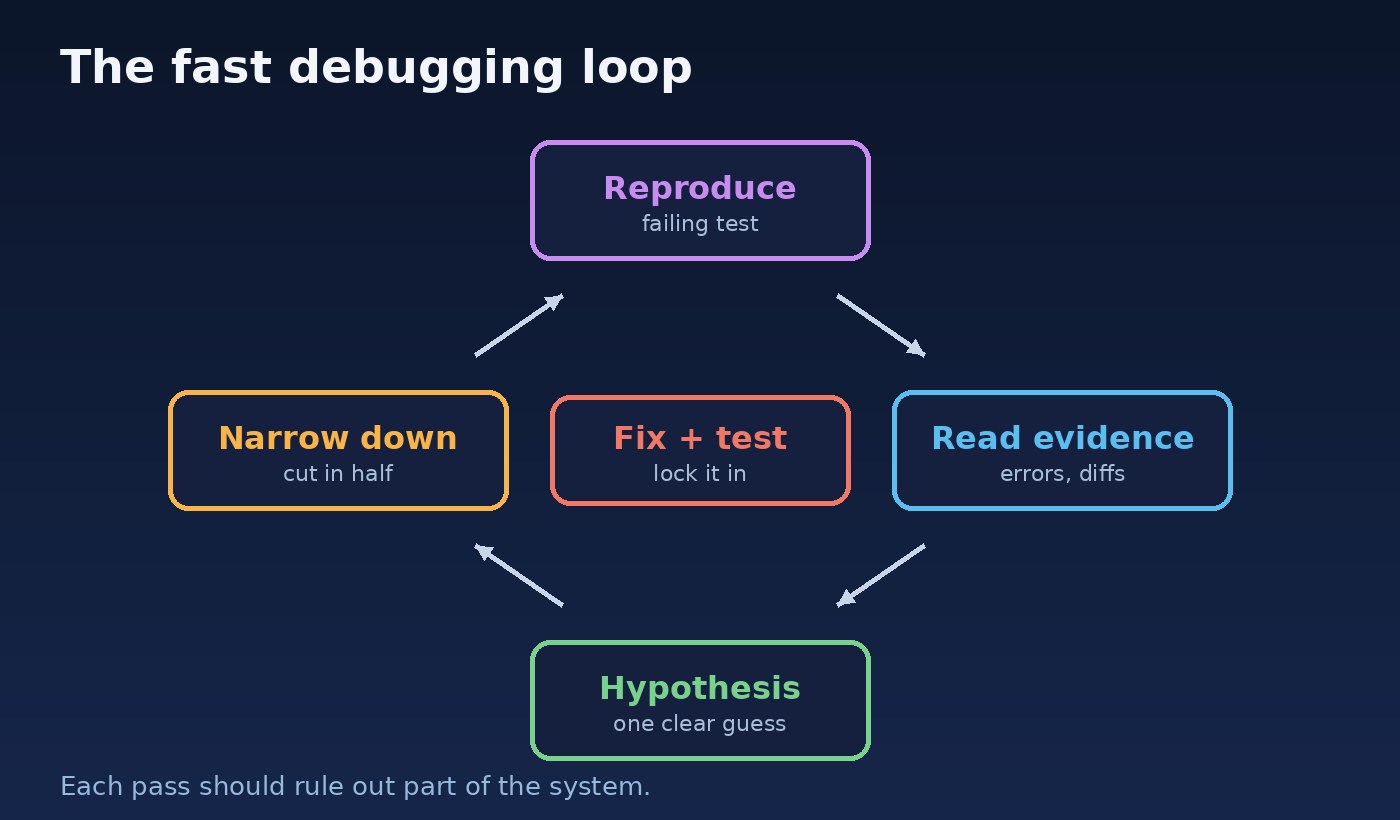
Before touching code, they make the bug happen on demand. A bug you can trigger in ten seconds can be fixed in an hour. A bug that needs ten minutes of clicking through a UI to trigger will eat the whole day, because every experiment costs ten minutes.
So they turn the reproduction into something small and repeatable, often a failing test:
// tests/Feature/InvoiceTotalTest.php
public function test_discount_is_applied_once_for_multi_line_invoices(): void
{
    $invoice = Invoice::factory()
        ->hasLines(3, ['unit_price_cents' => 1000, 'quantity' => 1])
        ->create(['discount_percent' => 10]);

    $this->assertSame(2700, $invoice->fresh()->total_cents);
}
Now every idea can be checked by running one command. When the test passes, the bug is fixed, and the same test stops it from quietly coming back later.
2. Read the Error Message Properly
This sounds obvious, but a lot of time is lost by skimming. Experienced developers read the whole error: the exception type, the message, the first stack frame in their code (not the framework's), and any values it prints. A message like SQLSTATE[23505]: duplicate key value violates unique constraint "orders_reference_unique" already tells you the table, the constraint and the kind of failure. You no longer need to look at the frontend at all.
They also check what changed recently. A bug that appeared today, in code that worked yesterday, is very likely in one of today's commits, deployments or configuration changes.
3. Form a Hypothesis, Then Test It
Random changes feel productive but teach you nothing. A faster loop is to state a specific guess and design a check that can prove it wrong:
- Guess: "The discount is applied once per line instead of once per invoice."
- Check: "With one line the total should be correct; with three lines it should be wrong by the discount times two."
- Result: the check either confirms the guess or removes a whole area from the search.
Even a wrong guess is progress when it is tested properly, because it narrows the space. This is the same disciplined thinking described in 7 steps to solve any programming problem more efficiently.
4. Cut the Search Space in Half
When there is no clear guess, binary search is the most reliable tool there is. Split the path the data takes into two halves, check the value in the middle, and keep only the half where it goes wrong. A request that passes through a React form, an API route, a service class and a SQL query can be narrowed to one layer in two or three checks.
The same idea works across history. If a feature worked in last month's release, git bisect finds the exact commit that broke it, even across hundreds of commits:
git bisect start
git bisect bad                 # current commit has the bug
git bisect good v2.4.0         # this release did not

# Let git test each step automatically with your failing test
git bisect run php artisan test --filter=InvoiceTotalTest

git bisect reset
With an automated test, git checks each candidate commit for you, so a few hundred commits take only a handful of test runs.
5. Use Real Tools, Not Only Print Statements
Print debugging has its place, but experienced developers reach for tools that show more with less effort:
- A step debugger such as Xdebug for PHP or the browser and VS Code debuggers for JavaScript, to pause execution and inspect every variable at once.
- Browser DevTools: the Network tab shows exactly what the frontend sent and what the API returned, which settles most "is it the frontend or the backend?" questions in seconds.
- Query inspection: in Laravel, logging the SQL a request runs often exposes a wrong filter or a missing join.
- EXPLAIN ANALYZE in PostgreSQL when the problem is speed rather than correctness.
// Temporarily log every query a request runs (local only)
DB::listen(function ($query) {
    logger()->debug($query->sql, [
        'bindings' => $query->bindings,
        'ms'       => $query->time,
    ]);
});
6. Make the Problem Smaller
When a bug only shows up inside a big screen or a long workflow, they strip it down. Remove components, mock the API, cut the input data to the smallest set that still fails. In React, rendering the broken component alone with fixed props quickly shows whether the problem is in the component or in the data and state around it.
A minimal reproduction is also what makes it possible to ask a colleague, or a library's issue tracker, for help without a long explanation.
7. Question Your Assumptions
Many long debugging sessions end with "the code was fine, I was looking at the wrong thing." The usual suspects are worth checking early:
- Is the code you are reading actually the code that is running? Think stale builds, cached config, an old queue worker or the wrong branch.
- Is this the environment and database you think it is?
- Is the data what you expect, or is there a null, an extra space or a different time zone?
- Is something cached that should have been cleared?
In Laravel, a quick php artisan optimize:clear and a queue worker restart rule out a surprising number of "impossible" bugs.
8. Know When to Stop and Ask
Experienced developers time-box. If thirty to sixty minutes pass without the search space shrinking, they step back: write down what they know, explain it to a teammate, or take a short break. Explaining a problem out loud forces you to state your assumptions, and that is often where the bug is hiding.
Fix the Cause, Then Lock It In
Speed is not only about finding the bug. It is also about not finding it again next month. Once the problem is clear, fix the underlying cause rather than the symptom, keep the failing test as a regression test, and add logging or validation where it would have shown the problem sooner. The guides on finding the root cause of a production bug and why bugs keep coming back after you fix them go deeper into this part.
A Quick Checklist
- Can I reproduce the bug in seconds, ideally with a test?
- Have I read the full error and checked what changed recently?
- What is my current hypothesis, and how will I prove it wrong?
- Which half of the system can I rule out next?
- Am I sure the running code, environment and data are what I think they are?
- Have I been stuck long enough that I should ask someone?
Conclusion
Experienced developers debug faster because they treat debugging as a structured search, not a guessing game. They make the bug cheap to reproduce, read the evidence carefully, test one hypothesis at a time, cut the search space in half and use proper tools to see what the code is really doing. None of these habits needs years to learn. Pick one, such as writing the failing test first, and use it on your next bug.