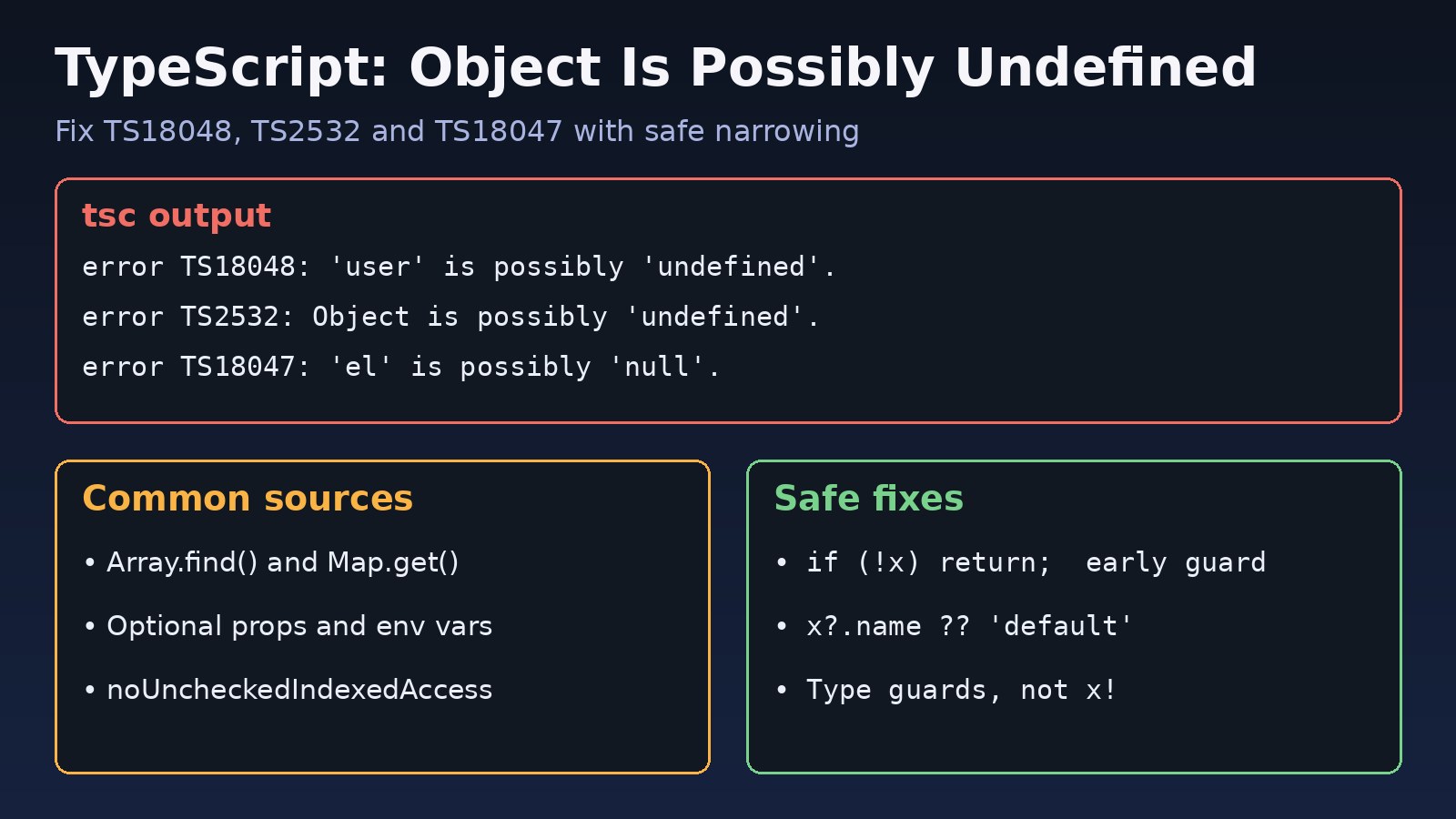
The typescript object is possibly undefined error is one of the first things you meet after turning on strict mode. Your code looks fine, it may even run fine, but tsc or next build refuses to compile because a value might be undefined at runtime. TypeScript is not wrong here: it has found a path where your code could crash with Cannot read properties of undefined. This guide explains what the error codes mean, where the undefined comes from, and how to fix it properly without hiding it behind ! or any.
The Problem: TypeScript Object Is Possibly Undefined
When strictNullChecks is on (it is part of "strict": true), TypeScript treats undefined and null as separate types. A value typed User | undefined is not a User until you prove it. If you read a property, call a method or pass it to a function that expects a User, the compiler stops you.
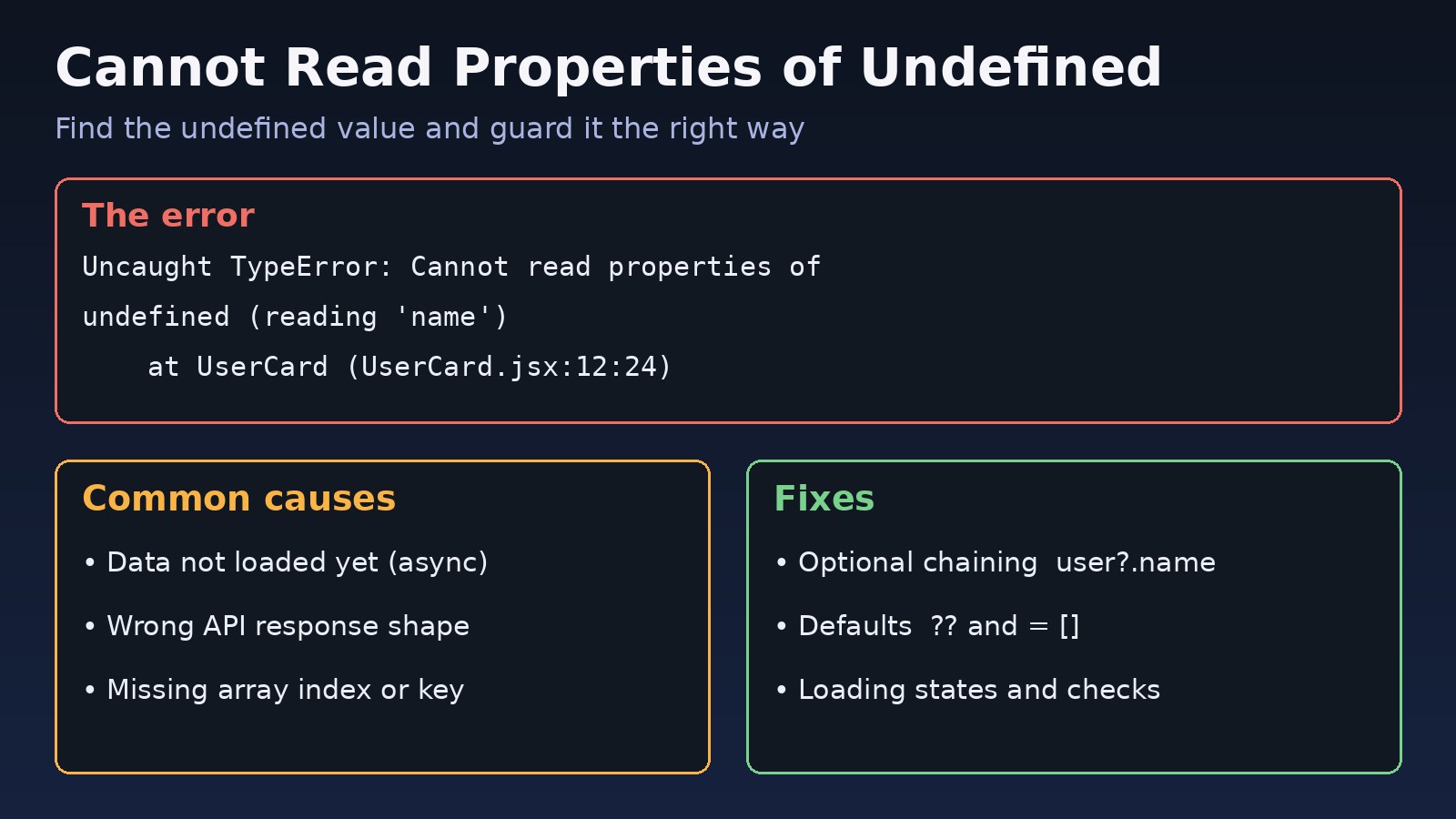
This is the compile-time version of a very common runtime crash. If you have fought that crash in plain JavaScript, the cannot read properties of undefined guide shows the same bug from the browser side.
Symptoms: TS18048, TS2532 and Related Errors
The exact message depends on what you are accessing. These are the real messages from TypeScript 5.x:
src/users.ts(4,1): error TS18048: 'user' is possibly 'undefined'.
src/users.ts(5,1): error TS2532: Object is possibly 'undefined'.
src/dom.ts(7,1): error TS18047: 'el' is possibly 'null'.
src/form.ts(19,1): error TS18049: 'value' is possibly 'null' or 'undefined'.
src/api.ts(13,1): error TS2722: Cannot invoke an object which is possibly 'undefined'.
src/config.ts(17,7): error TS2322: Type 'string | undefined' is not assignable to type 'string'.- TS18048 appears when the value has a name, such as a variable or a property path like
'u.address'. - TS2532 appears when the expression has no simple name, for example
users.find(...).nameormap.get('key').toFixed(). - TS18047 and TS2531 are the
nullversions, common with DOM APIs and React refs. - TS2722 means you are calling an optional function, such as an optional callback prop.
- TS2322 or TS2345 appear when you assign or pass a possibly undefined value where a definite type is required.
You may see these only in CI or during next build, because some dev servers, including Vite, strip types without type-checking.
Root Cause: Where Undefined TypeScript Values Come From
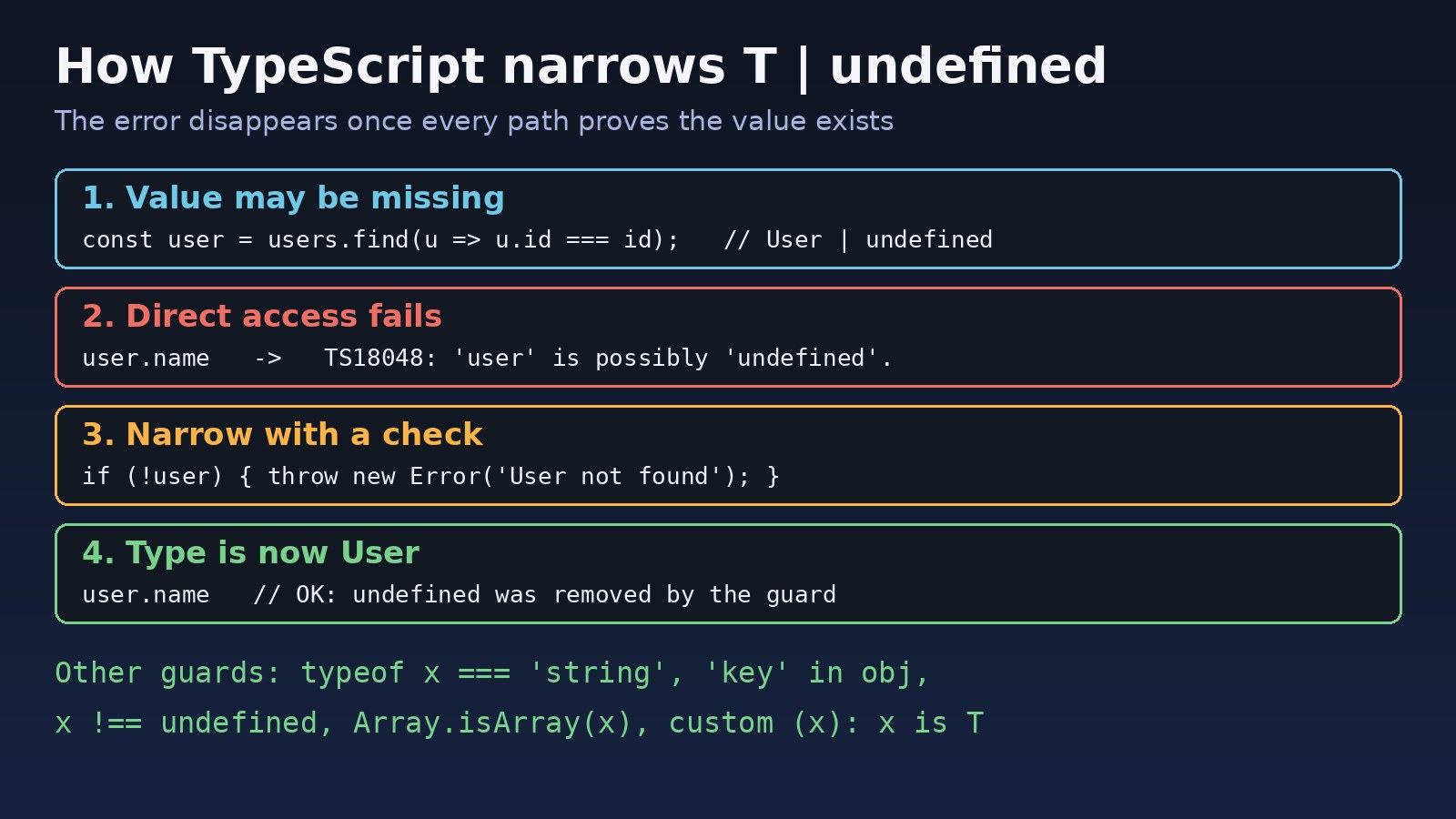
The error always means the same thing: the type of the expression includes undefined. The common sources are:
Array.prototype.find()returnsT | undefined, because nothing may match.Map.get()returnsV | undefined, even right after you calledhas().- Optional properties such as
address?: Addressin interfaces, API response types and React props. process.envvalues, which are typedstring | undefinedin Node.js typings.noUncheckedIndexedAccess, which makesarr[0]andrecord[key]returnT | undefined.- DOM and refs:
document.getElementById(),querySelector()anduseRef<HTMLInputElement>(null)return possiblynullvalues. - Lost narrowing: a check on
obj.propoutside a callback does not always carry into the callback, because the property could change before it runs.
Step-by-Step Solution
Step 1: Read the error and find the real type
Run the compiler on its own so you see every error, not just the first one your editor shows:
npx tsc --noEmit
# or, in a Next.js project
npx next build
Hover the variable in VS Code to see its type. If it shows User | undefined, decide one question before writing any fix: can this value really be missing at runtime? The answer decides which fix is correct.
Step 2: Fix TS18048 with an early return or throw
If missing data is a real case, handle it. An early guard removes undefined for the rest of the function:
interface User { id: number; name: string; address?: { city: string } }

function getUserName(users: User[], id: number): string {
  const user = users.find((u) => u.id === id); // User | undefined

  if (!user) {
    throw new Error(`User ${id} not found`);
  }

  return user.name; // user is now User
}
Other checks narrow types too: user !== undefined, typeof value === 'string', 'address' in user and Array.isArray(items). Be careful with if (!value) for numbers and strings, because it also rejects 0 and ''. Use value === undefined when those are valid.
Step 3: Use optional chaining and a default value
When a missing value is normal and you have a sensible fallback, combine ?. with ??:
const city = user.address?.city ?? 'Unknown';

// Optional callback props (fixes TS2722)
type Props = { title?: string; onSave?: (value: string) => void };

function Card({ title = 'Untitled', onSave }: Props) {
  onSave?.(title);
  return title.toUpperCase();
}
Default values in destructuring, like title = 'Untitled', remove undefined from the type. Use ?? rather than || when 0, false or an empty string are valid values.
Step 4: Handle Map.get, find and array indexes
TypeScript does not connect map.has(key) to a later map.get(key). Read the value once and check it:
const cache = new Map<string, number>();

// Avoid: if (cache.has(key)) cache.get(key).toFixed(2);  -> TS2532
const hit = cache.get(key);
if (hit !== undefined) {
  console.log(hit.toFixed(2));
}

// With noUncheckedIndexedAccess, arr[0] is string | undefined
const parts = line.split(',');
const first = parts[0];
if (first !== undefined) {
  console.log(first.trim());
}

// for...of gives you defined items, no index needed
for (const part of parts) {
  console.log(part.trim());
}
Step 5: Filter undefined out of arrays with a type guard
Write a reusable type predicate so filter() returns a clean array type:
function isDefined<T>(value: T | null | undefined): value is T {
  return value !== undefined && value !== null;
}

const ids: number[] = [1, undefined, 3].filter(isDefined);
TypeScript 5.5 and later can infer this predicate for simple callbacks like filter((x) => x !== undefined), but the explicit helper works on every version.
Step 6: Validate environment variables at startup
Instead of sprinkling ! over process.env, check required variables once and export typed values. This is useful in Next.js, Node.js workers and apps that talk to PostgreSQL or Redis:
// src/env.ts
function requireEnv(name: string): string {
  const value = process.env[name];
  if (!value) {
    throw new Error(`Missing environment variable: ${name}`);
  }
  return value;
}

export const env = {
  databaseUrl: requireEnv('DATABASE_URL'),
  redisUrl: requireEnv('REDIS_URL'),
};
The app now fails fast with a clear message when a Docker container or server is missing a variable, instead of crashing later with an undefined value.
Step 7: Fix null refs and DOM lookups (TS18047)
import { useEffect, useRef } from 'react';

export function SearchBox() {
  const inputRef = useRef<HTMLInputElement>(null);

  useEffect(() => {
    // inputRef.current.focus();  -> TS18047: 'inputRef.current' is possibly 'null'.
    inputRef.current?.focus();
  }, []);

  return <input ref={inputRef} />;
}

const root = document.getElementById('app');
if (!root) throw new Error('#app element not found');
root.textContent = 'Ready';
Step 8: Use assertion functions instead of the non-null operator
The non-null assertion value! tells the compiler to trust you. It removes the error but not the risk. If you are sure a value exists, an assertion function gives the same narrowing and still fails loudly when you are wrong:
export function assertDefined<T>(
  value: T,
  message: string,
): asserts value is NonNullable<T> {
  if (value === undefined || value === null) {
    throw new Error(message);
  }
}

const session = sessions.get(sessionId);
assertDefined(session, `Session ${sessionId} expired`);
session.userId; // OK
Keep ! for cases the compiler genuinely cannot see, such as a value set in a framework lifecycle hook, and add a comment explaining why it is safe.
Step 9: Type API responses honestly
If your Laravel or Express API can return null for a field, type it as string | null in your frontend models. Then the compiler makes every screen handle that case. Types generated from an OpenAPI schema or validated with a runtime schema library help keep frontend types in line with what the backend actually sends.
Verification
- Run
npx tsc --noEmitand confirm it exits with code 0 and no TS18048, TS2532 or TS18047 lines. - Run
next buildfor Next.js projects, since it fails on type errors by default. - Search the diff for new
!andascasts:git diff | grep -nE '\w!\.|as any'. Each one should have a reason. - Test the missing-data path: an unknown ID, an empty array, an unset environment variable. The app should show a fallback or a clear error, not crash.
Prevention
- Turn on strict mode from day one with
"strict": trueintsconfig.json. Adding it later to a large codebase means many errors at once. - Consider
noUncheckedIndexedAccessfor code that reads arrays and records by index or key. - Type-check in CI with
tsc --noEmit, especially with Vite, where the dev server does not type-check. - Validate at the edges: environment variables at startup, API responses and form data when they arrive.
- Prefer guards over assertions, and limit
!with a lint rule such as typescript-eslint'sno-non-null-assertion. - Keep shared helpers like
isDefinedandassertDefinedin one utility file.
{
  "compilerOptions": {
    "strict": true,
    "noUncheckedIndexedAccess": true
  }
}
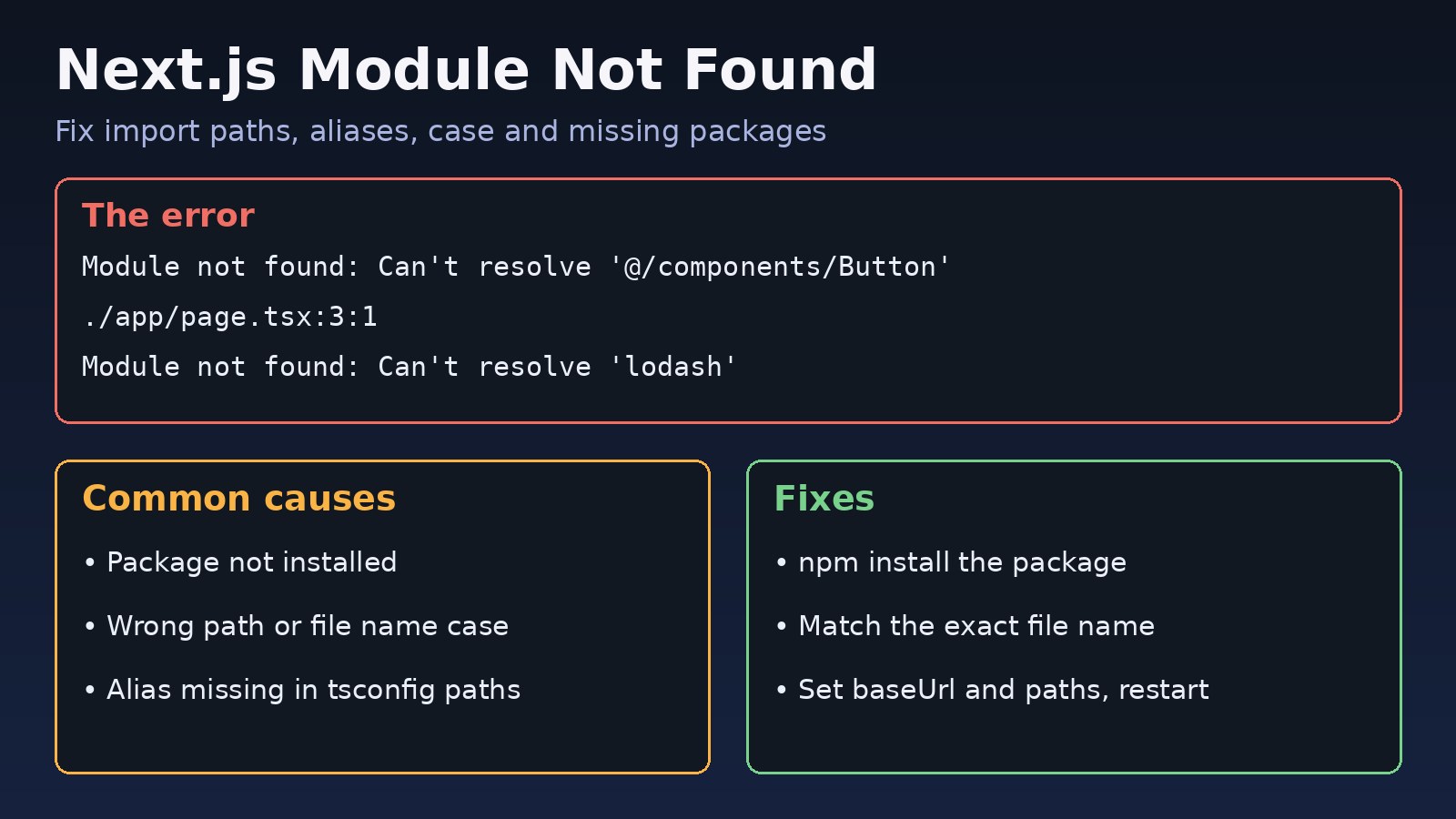
If your project also fails to build because of import paths rather than types, see the Next.js module not found guide.
FAQs
What does TS18048 mean in TypeScript?
TS18048 means a named value, such as a variable or property path, may be undefined at the point you use it. Narrow it with a check, give it a default value, or use optional chaining.
What is the difference between TS18048 and TS2532?
They report the same problem. TS18048 names the value, for example 'user' is possibly 'undefined'. TS2532 is used when the expression has no simple name, such as the result of a function call.
Should I disable strictNullChecks to remove undefined TypeScript errors?
No. Turning it off hides the errors but keeps the bugs, and the code may crash at runtime instead. Fix the errors one file at a time instead.
Is the non-null assertion operator (!) a good fix?
Only when you know the value exists and the compiler cannot see it. In most cases a guard, a default value or an assertion function is safer.
Why does TypeScript still complain after I checked map.has()?
TypeScript does not link has() to a later get(). Store the result of get() in a variable and check that variable against undefined.
Why does the error appear in next build but not in my editor?
Your editor may use a different TypeScript version or tsconfig.json than the build. Select the workspace TypeScript version in VS Code and make sure both use the same config file.
Comments
Join the discussion. Replies load on demand, up to 5 levels.
0 threads
No comments yet
Be the first to start the conversation.