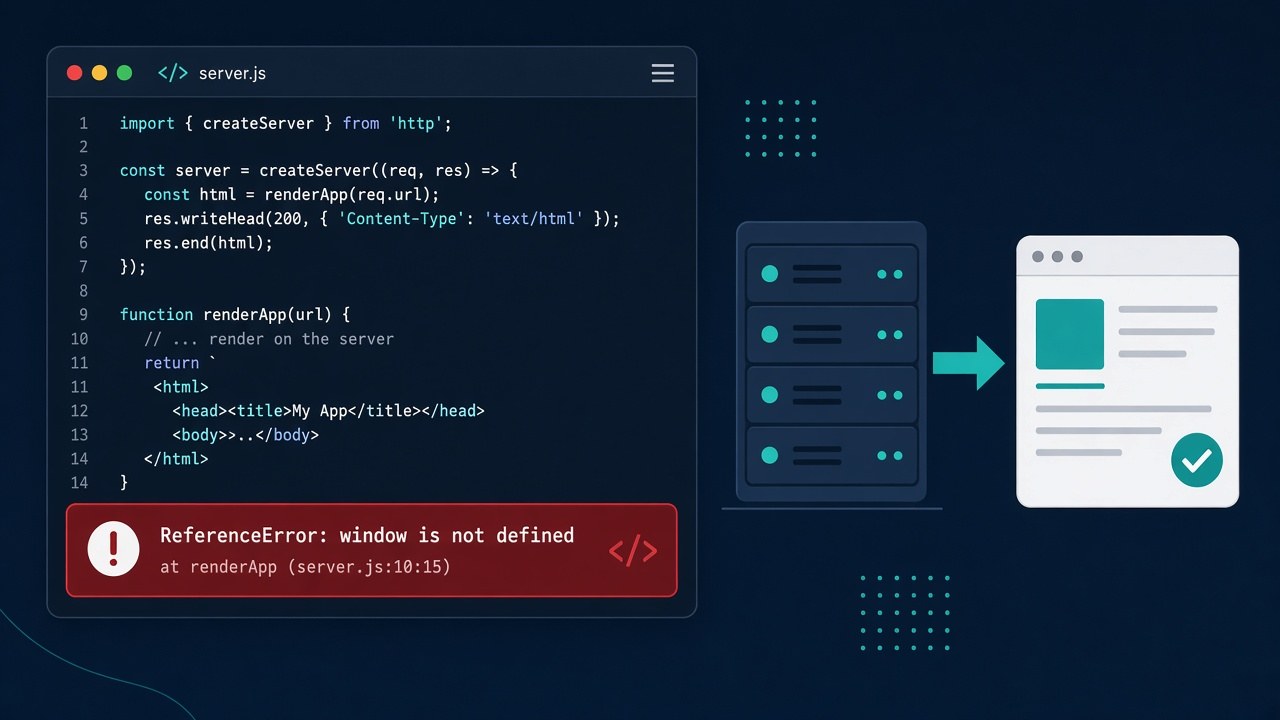
Your Next.js app works in the browser during development, then next build or a page refresh fails with ReferenceError: window is not defined. The nextjs window is not defined error happens because Next.js renders your components on the server first, and the server (Node.js) has no window, document or localStorage. This guide shows how to find the line that triggers it and fix it correctly in both the App Router and the Pages Router.
Problem: Next.js Window Is Not Defined
Every page in Next.js is pre-rendered on the server, either at build time (static generation) or per request (server-side rendering). That includes components marked with "use client": the directive means the component is also hydrated and interactive in the browser, not that it skips the server. Any code that touches a browser API while the module loads or while the component renders runs inside Node.js, where those globals don't exist.
Typical triggers are reading window.innerWidth to choose a layout, reading a token from localStorage, or importing a library such as a map, chart, rich-text editor or analytics SDK that touches window as soon as it is imported.
Symptoms
ReferenceError: window is not defined
    at Navbar (./components/Navbar.tsx:8:19)

Error occurred prerendering page "/dashboard".
Export encountered an error on /dashboard/page: /dashboard, exiting the build.- The same family of errors:
document is not defined,localStorage is not defined,navigator is not definedorself is not defined. - The page works after client-side navigation but crashes on a hard refresh or a direct visit, because only the direct visit is server-rendered.
next devshows the error overlay, andnext buildfails while prerendering a specific route.- The stack trace points into
node_modules, which means a third-party package is the one using the browser API.
Root Cause of the SSR Window Error
Browser APIs used during render or at module level
Code at the top of a file runs when the module is imported, and code in the component body runs on every render. On the server both happen in Node.js, so const width = window.innerWidth in either place throws.
Assuming "use client" means browser-only
In the App Router, Client Components are still rendered to HTML on the server for the first load. "use client" lets you use hooks and event handlers, but it does not make window available during that first render.
Libraries that are not SSR-safe
Packages like Leaflet, some chart and editor libraries, or older analytics scripts read window on import. Importing them normally pulls them into the server bundle.
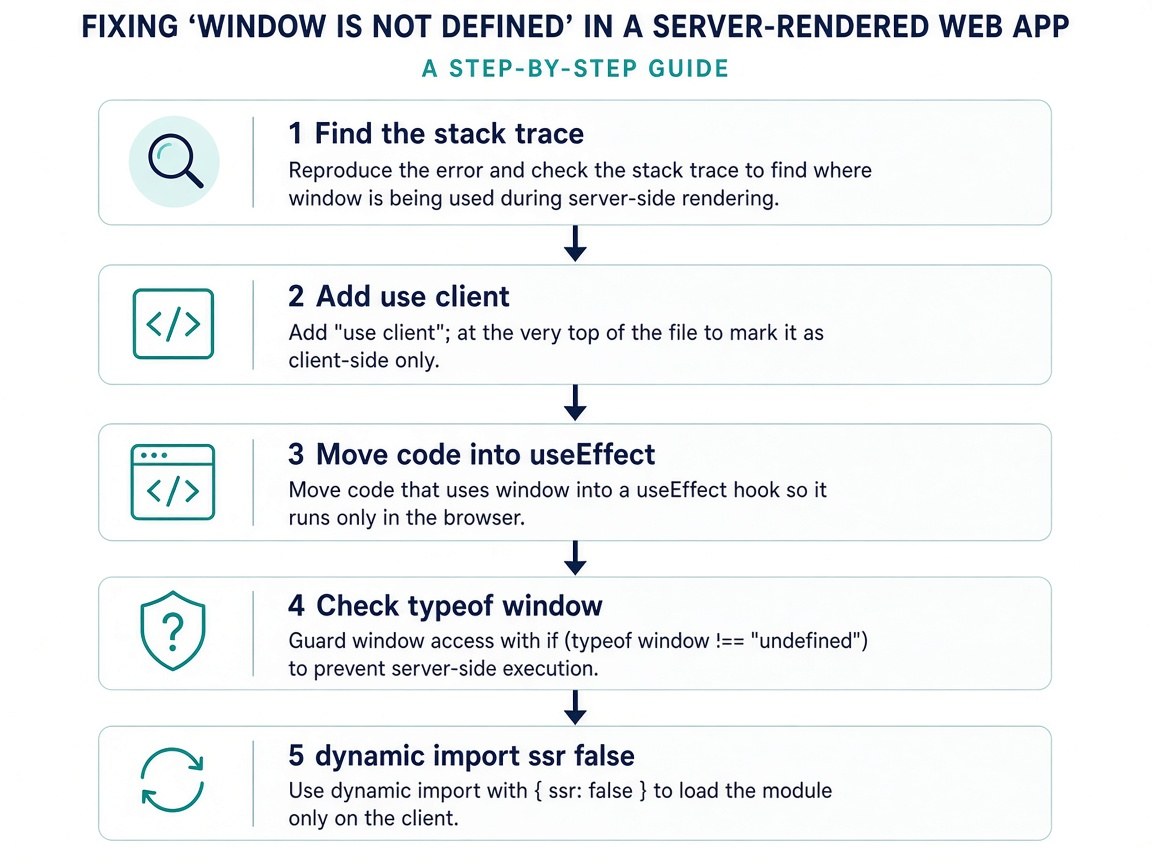
Step-by-Step Solution
Step 1: Find the exact line from the stack trace
Read the first frame in the error. If it points to your own file, you know which component to change. If it points into node_modules/some-package, the import itself is the problem and you will need Step 5. Running next build also tells you which route failed to prerender.
Step 2: Mark the component as a Client Component
In the App Router, components are Server Components by default and can't use hooks. Add the directive at the very top of the file that needs browser APIs:
"use client";

import { useEffect, useState } from "react";
This doesn't fix the error by itself, but it is required for the next steps.
Step 3: Move browser code into useEffect
useEffect only runs in the browser, after hydration. Render a safe default first, then update state with the real browser value:
"use client";

import { useEffect, useState } from "react";

export default function Navbar() {
  const [width, setWidth] = useState<number | null>(null);

  useEffect(() => {
    const onResize = () => setWidth(window.innerWidth);
    onResize();
    window.addEventListener("resize", onResize);
    return () => window.removeEventListener("resize", onResize);
  }, []);

  if (width === null) return <nav className="navbar" />; // same on server and first client render
  return <nav className={width < 768 ? "navbar mobile" : "navbar"} />;
}
Keep the dependency array correct so the effect doesn't re-run forever; if it does, see how to fix a useEffect infinite loop.
Step 4: Guard event handlers and utilities with typeof window
For code that runs outside React's render, such as a helper called from a click handler or a shared utility, check the environment first. typeof does not throw for undeclared variables, so it is safe on the server:
export function getToken(): string | null {
  if (typeof window === "undefined") return null; // running on the server
  return window.localStorage.getItem("token");
}
Don't use this check to render different markup during render. The server output and the first browser render would differ, which causes a hydration mismatch; read how to fix the Next.js hydration error if you see that next.
Step 5: Load browser-only libraries with next/dynamic and ssr: false
When a package touches window on import, load the component that uses it only in the browser. In the App Router, ssr: false must be used inside a Client Component, otherwise Next.js reports that it isn't allowed in Server Components.
// app/properties/MapClient.tsx
"use client";

import dynamic from "next/dynamic";

const PropertyMap = dynamic(() => import("./PropertyMap"), {
  ssr: false,
  loading: () => <p>Loading map...</p>,
});

export default function MapClient() {
  return <PropertyMap />;
}// app/properties/page.tsx (Server Component)
import MapClient from "./MapClient";
export default function Page() {
return <MapClient />;
}In the Pages Router you can call dynamic(..., { ssr: false }) directly in the page file.
Step 6: Import a browser-only module inside the effect
If you only need a library's functions, not a component, import it lazily in the browser:
useEffect(() => {
  let chart: { destroy: () => void } | undefined;
  import("some-chart-lib").then(({ createChart }) => {
    chart = createChart(document.getElementById("chart")!);
  });
  return () => chart?.destroy();
}, []);
Code and Commands Examples
A reusable hook for browser APIs in Next.js
"use client";

import { useEffect, useState } from "react";

export function useLocalStorage(key: string, initial: string) {
  const [value, setValue] = useState(initial);

  useEffect(() => {
    const stored = window.localStorage.getItem(key);
    if (stored !== null) setValue(stored);
  }, [key]);

  const save = (v: string) => {
    setValue(v);
    window.localStorage.setItem(key, v);
  };

  return [value, save] as const;
}
Finding every unsafe access in a project
grep -rnE "\b(window|document|localStorage|navigator)\." app components lib \
  --include=*.ts --include=*.tsx | grep -v "typeof window"
npx next build
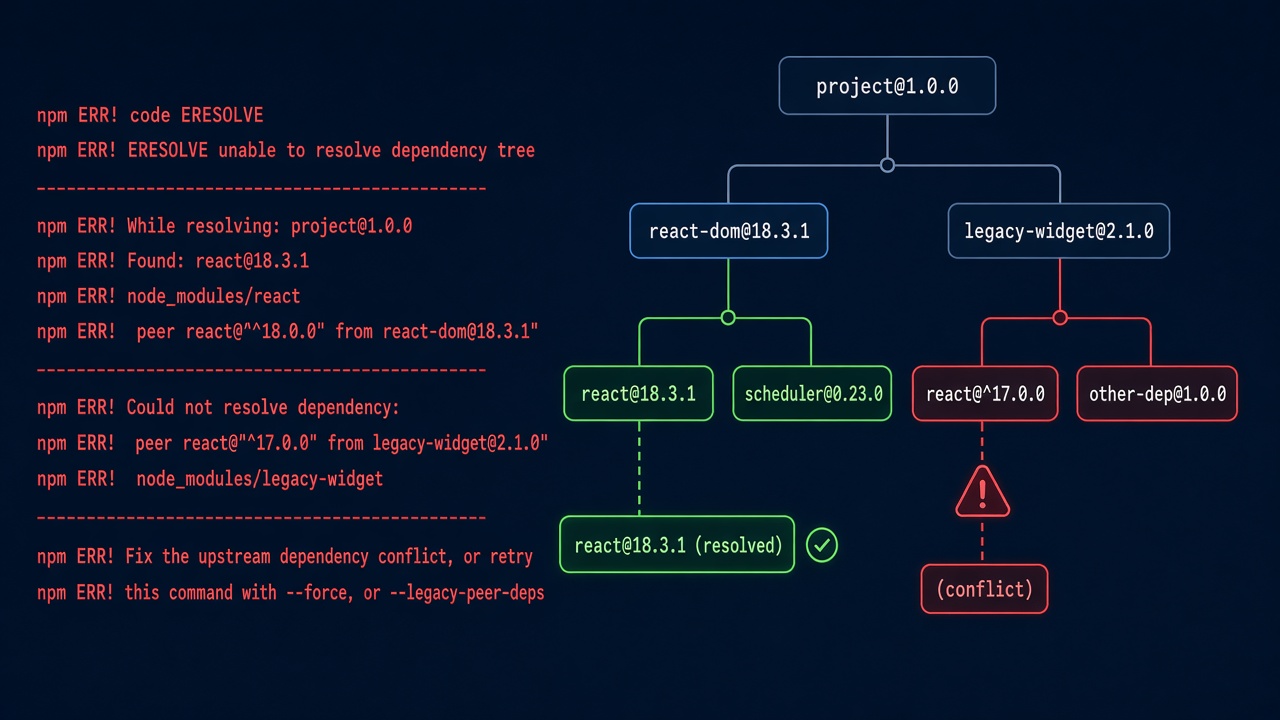
Review each match: it should be inside useEffect, an event handler, a typeof window guard, or a component loaded with ssr: false. If the build fails for unrelated install reasons first, see how to fix npm ERESOLVE unable to resolve dependency tree.
Verification
rm -rf .next
npx next build
npx next start
curl -s -o /dev/null -w "%{http_code}\n" http://localhost:3000/dashboard
A clean build with no prerender errors and a 200 response on a direct request confirm the page now renders on the server. Then open the page in a browser, hard refresh it, and check the console for hydration warnings. Run the same build in CI or Docker, because that is often where the error first shows up.
Prevention
- Keep browser API access in
useEffect, event handlers, or small hooks likeuseLocalStorage. - Wrap browser-only libraries (maps, editors, charts) in one Client Component that loads them with
next/dynamicandssr: false. - Never read
windowat module level; module code runs on import, including on the server. - Run
next buildin CI on every pull request so prerender errors are caught before deployment. - Before adding a package, check its docs for SSR or Next.js support.
FAQs
Why does window is not defined happen in Next.js but not in Create React App?
Create React App renders only in the browser. Next.js pre-renders pages on the server in Node.js, where browser globals like window don't exist.
Does "use client" fix the SSR window error?
No. Client Components are still rendered on the server for the initial HTML. "use client" lets you use useEffect, which is where the browser code should go.
How do I use a browser API in Next.js safely?
Read it inside useEffect or an event handler, guard shared helpers with typeof window === "undefined", and load browser-only libraries with next/dynamic and ssr: false.
Why does ssr: false fail in my page.tsx?
In the App Router, page.tsx is a Server Component by default, and ssr: false is only allowed inside Client Components. Move the dynamic() call into a file that starts with "use client".
How do I fix document is not defined or localStorage is not defined?
They have the same cause and the same fixes as window is not defined: only access them in the browser.
Is checking typeof window during render a good fix?
Not for markup. Rendering different output on the server and client causes hydration errors. Use it in helpers and handlers, and use useEffect state for anything that changes what is rendered.
Comments
Join the discussion. Replies load on demand, up to 5 levels.
0 threads
No comments yet
Be the first to start the conversation.